Presto for Mac
The Mac app. Install it once and forget it’s there.
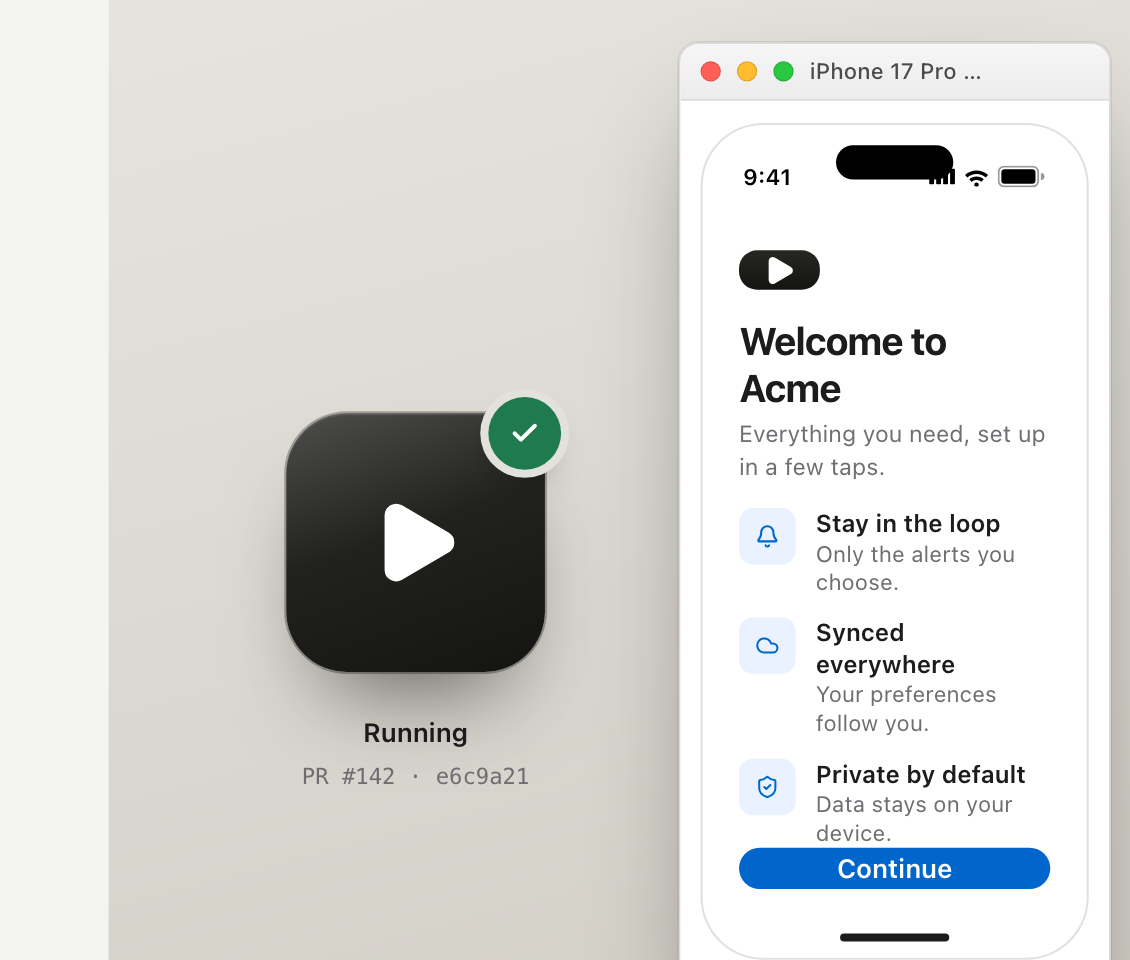
It sits in your menu bar. When you click Run in Simulator on a PR, it grabs that build and opens it in Simulator. Your own branch and Xcode window stay where they are.
First launch
Three things, once. Then every Run button just works.
Everyone who wants to run PRs does this on their own Mac. Nothing changes in the repo.
- 1
Drag it into Applications
Unzip, drag Presto into Applications, open it.
- 2
Find it in the menu bar
There’s no Dock icon and no window. Look for the Presto icon at the top right of the screen.
- 3
Sign in with GitHub
Same GitHub account you use for the repos you review. That’s how it knows which PRs you’re allowed to run.
The download
Presto 1.0 beta
- macOS 14 or later
- Xcode with Simulator
- A GitHub account for your repositories
Got the app? Now give your PRs the button.
Connect a repo and add one step to CI. Takes about ten minutes.